
Photo & Video
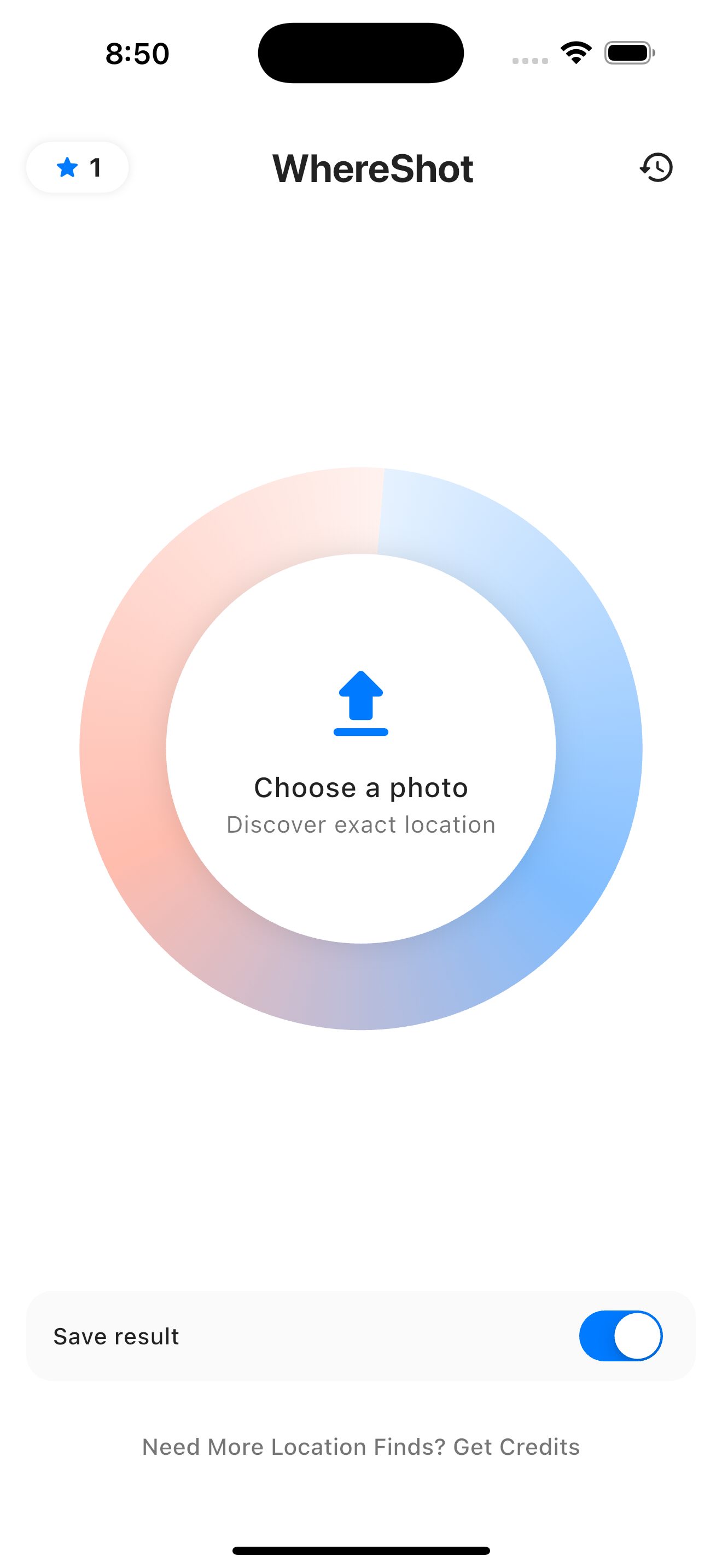
Hand it a photo. It names the place.
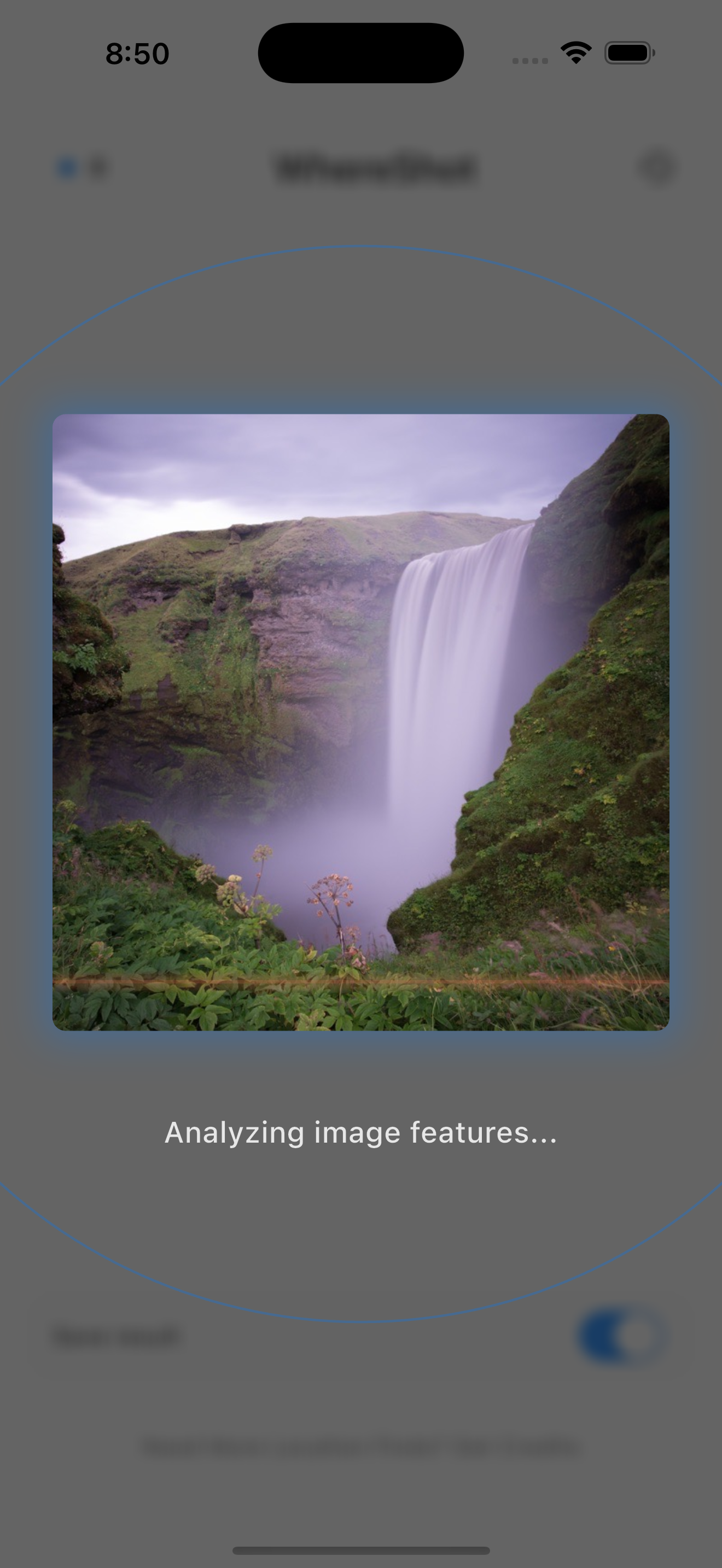
WhereShot reads the picture itself, no GPS tag needed: the pitch of a roof, the script on a shopfront, the bend of a coastline. It names the place, drops a pin, and shows you what it spotted, then keeps everywhere you have been on one world map.

See It in Action
Key Features
Reads the Photo, Not the Metadata
A stripped screenshot works as well as an original. WhereShot identifies the place from what is in the frame, so a photo with no GPS tag is not a dead end.
Shows Its Work
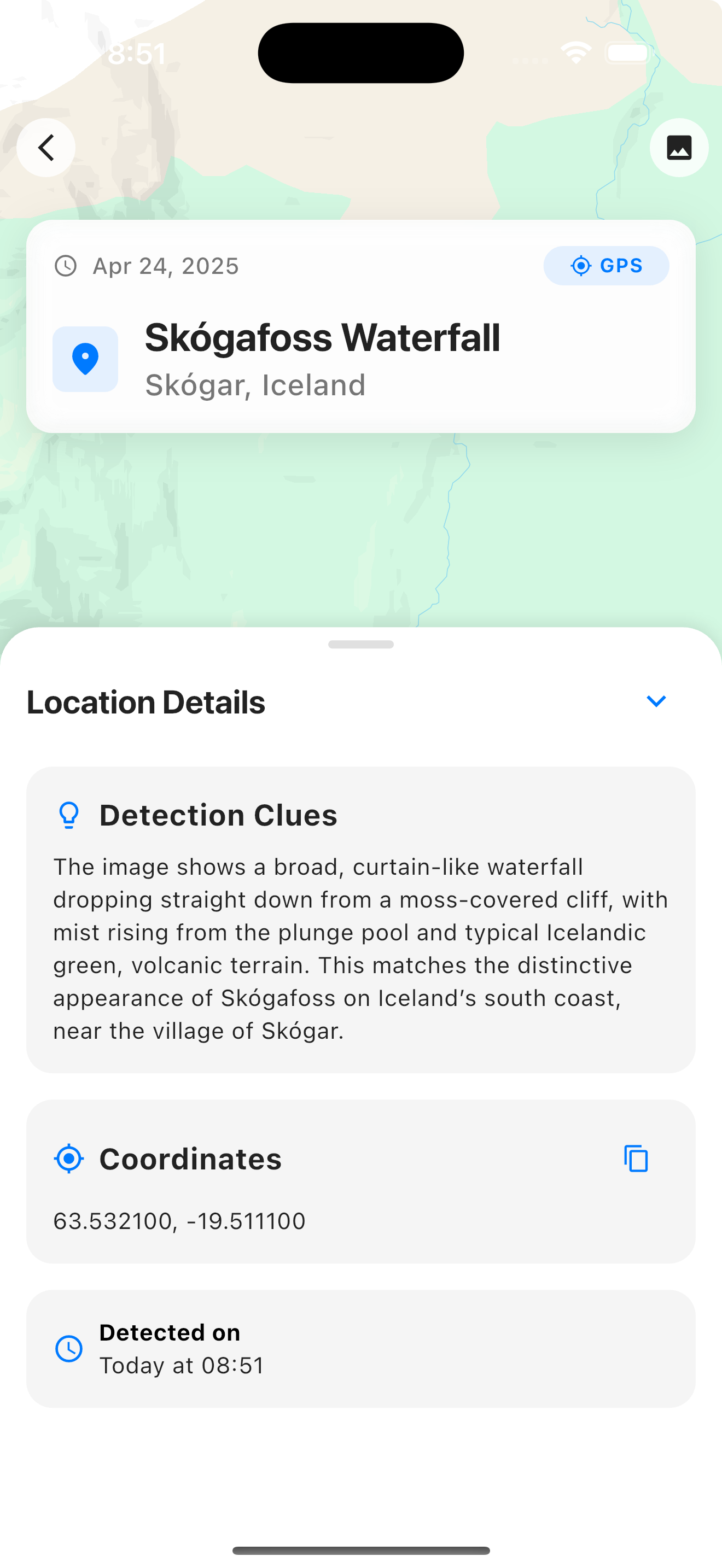
Every result lists the clues it read, drops a pin on the map and gives you the address and coordinates. When two places would explain the same photo, it offers both and says why.
Your World Map
Every place you keep lights up a country on a map of the whole planet, with photos, cities, countries and continents counted as they fill in.
Save anywhere you have been or want to go, with your own notes, the opening hours and the best season to return.
WhereShot reads the coordinates already in your library and builds your map out of trips you took years ago, naming each one on-device from a bundled dataset of 170,000 settlements.
Send a photo from Messages, Instagram or Safari through the share sheet and WhereShot starts working on it before you have switched apps.
When you are close to somewhere on your want-to-go list, the app says so. Location is read while you are using it, never in the background.
Two lists, one map. What you have already seen and what is still waiting, side by side.
The camera-roll atlas is named on-device against a bundled index, so building your map sends your location history nowhere.
Turn off Save result and only the location is kept. Delete your account and everything goes with it, from inside the app.
Ready to try WhereShot?
Your first identification is on us. Pick the photo you have never been able to place.